Does My Showit Blog Need Updates? (Yes, Here’s Why)
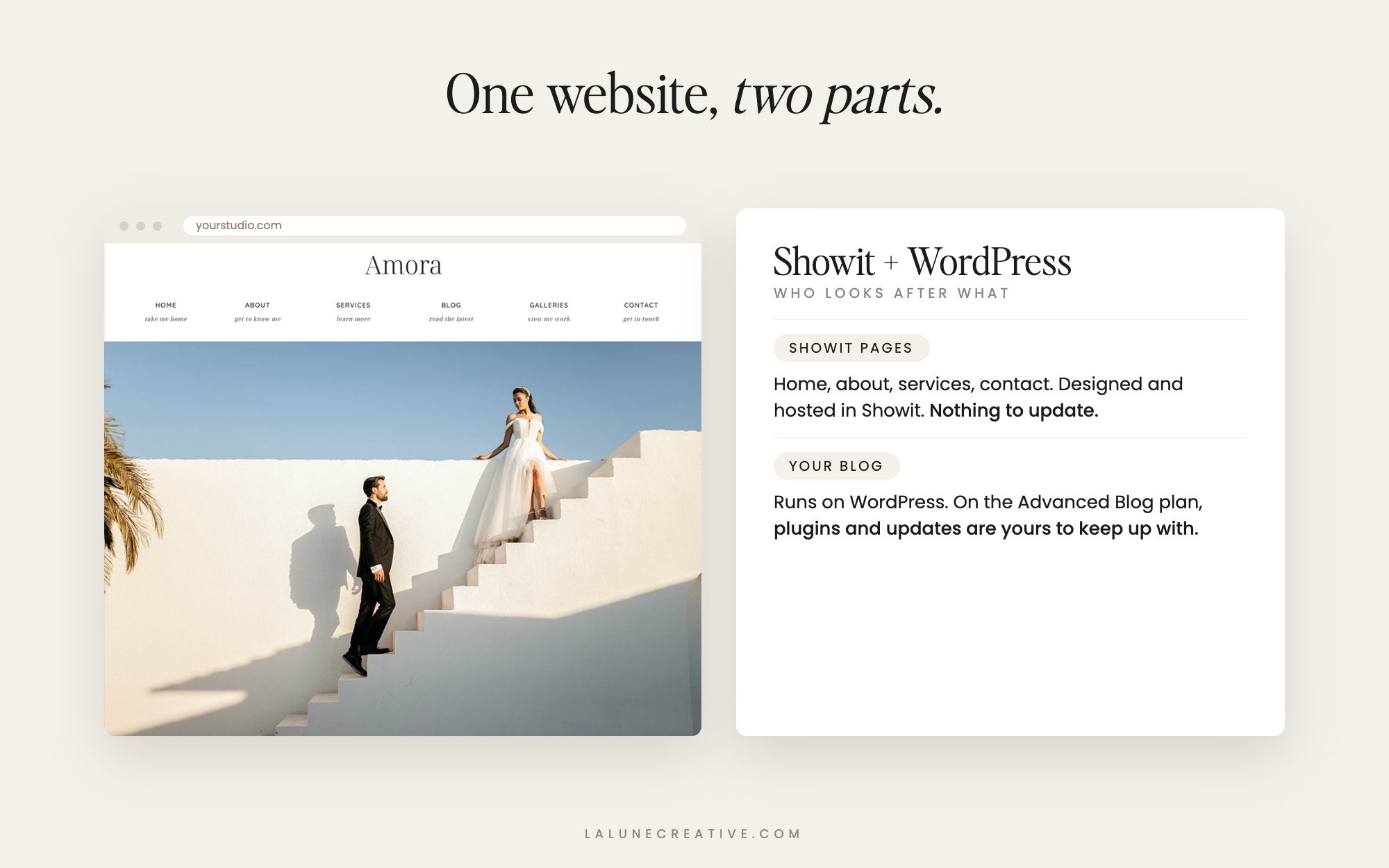
Most Showit owners are surprised to learn their website is really two websites working together. The pages you design in Showit are one part. Your blog is the other, and it runs on WordPress. Showit takes care of a lot for you, but depending on your blog plan, some of the WordPress side is yours to look after.
Here is what that means in plain language, how to tell which situation you are in, and a simple routine that keeps your blog healthy.
Your Showit site has two parts
Your Showit pages (home, about, services, contact) are built and hosted by Showit. There are no plugins or themes to update on these pages. When you hit publish, Showit handles the rest.
Your blog is powered by WordPress, hosted by Showit, and displayed using the blog templates you designed in Showit. That WordPress install is where updates come in.
Basic blog vs. Advanced Blog
Which Showit blog plan you have makes a big difference:
- Basic (starter) blog: Your blog runs on a shared WordPress setup that Showit manages. You can only use a small set of pre-installed plugins, and Showit keeps those updated automatically. There is very little for you to maintain.
- Advanced Blog: Your blog gets its own WordPress install. You can add any plugin you like, which is great for flexibility, but it also means the plugins you choose, their settings, and their updates are yours to keep up with.
A quick way to tell: if you can log into your WordPress dashboard and install plugins from the plugin directory, you are on the Advanced Blog plan.
Why WordPress updates matter
Security
Most WordPress security problems come from outdated plugins, not WordPress itself. When a plugin developer fixes a security hole, the fix only protects your site once you install the update. Sites that go months without updates are the ones that end up with spam links, redirects, or a hacked blog.
Things keep working
WordPress, plugins, and the server software they run on all move forward together. Skipping updates for a long time can lead to broken forms, missing images, or a blog page that suddenly shows an error.
Speed and search
Updates often include performance improvements. A lighter, faster blog is better for your readers and for your search rankings, and a clean site with no spam comments or broken links looks more trustworthy to Google.
A simple maintenance routine
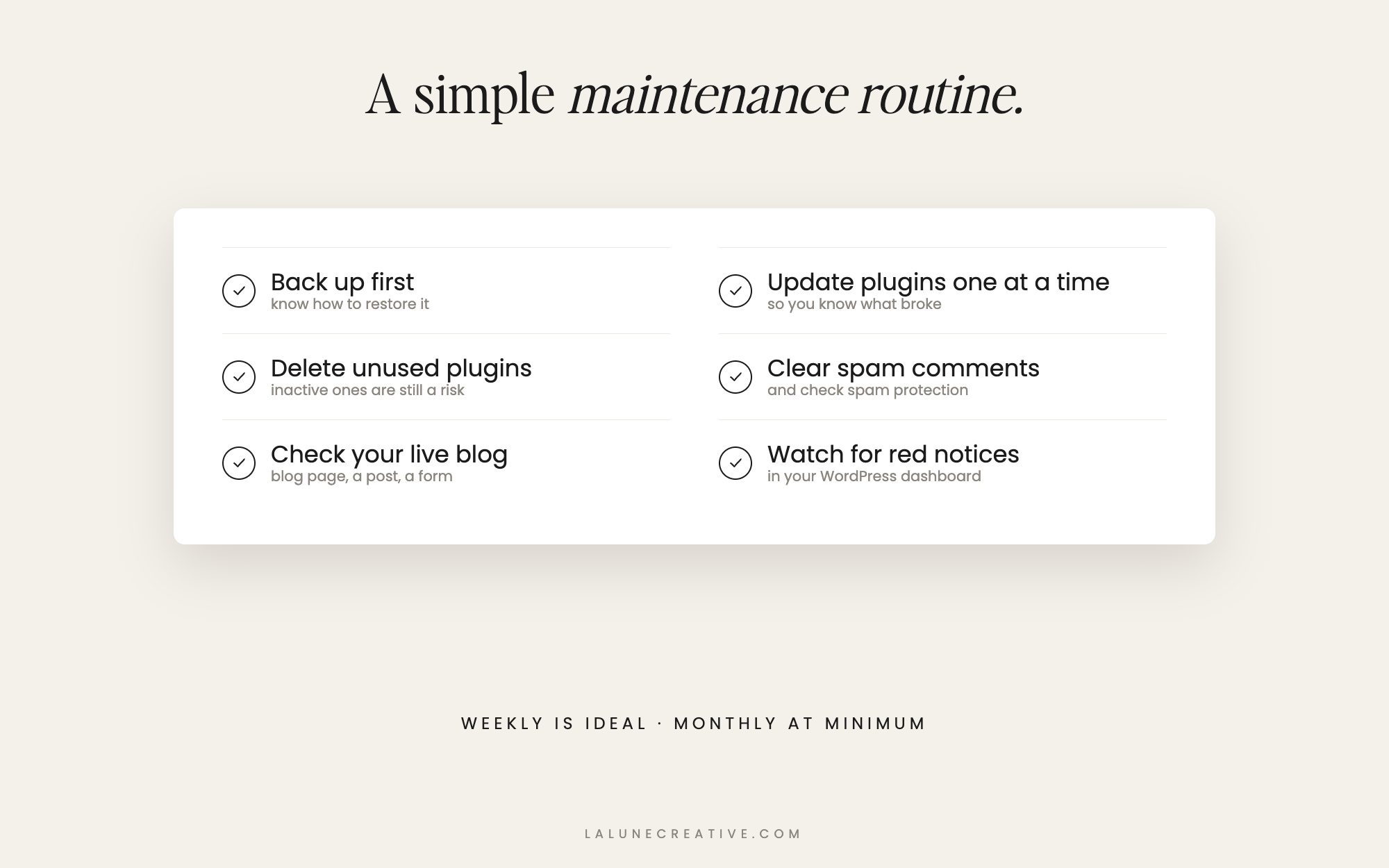
If you are on the Advanced Blog plan, set aside a few minutes on a regular schedule (weekly is ideal, monthly at minimum):
- Make sure you have a recent backup you know how to restore before changing anything.
- Update plugins one at a time from Dashboard > Updates, so if something breaks you know which update caused it.
- Delete plugins you are not using. Deactivated plugins can still be a security risk.
- Clear out spam comments and make sure comment spam protection is working.
- Check your live site after updating: your blog page, a single post, a category page, and any forms.
- Watch for red notices in your WordPress dashboard. They usually mean something needs attention.
Signs your blog needs attention now
- Your WordPress dashboard shows a long list of pending plugin updates.
- You have plugins installed that you do not recognize or no longer use.
- Your blog feels slow, or images take a long time to load.
- You see strange links, pop-ups, or redirects you did not add.
- You have not logged into WordPress in months (or ever).
Rather not think about it?
That is exactly why we built Watchlight. Every week we log in and handle your WordPress plugin, theme, and core updates, keep daily backups, run security and uptime checks, clean up spam, and optimize your database. You get a monthly report, and when something goes wrong, you email a real person. It works with any Showit site on the Advanced Blog plan, and any other WordPress site too. Plans start at $29/month or $290/year.
If your blog has been neglected for a while, Emberlight is a one-time deep clean and optimization to get it back in shape first.