
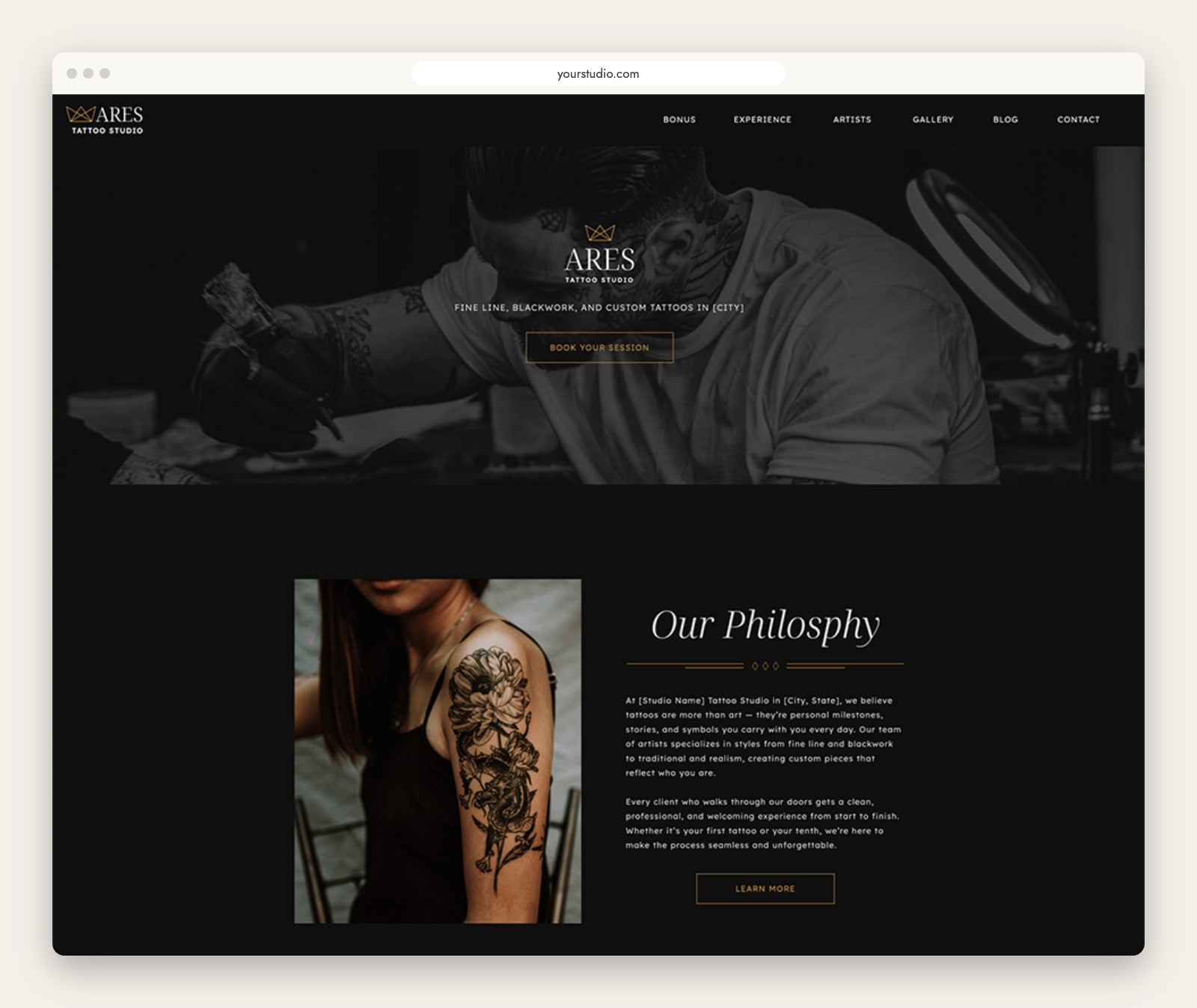
I just added a new template to the shop, and it is one I have wanted to build for a while. Ares is a Showit template for tattoo artists and studios, designed to look as bold and polished as the work you do.
Choosing a tattoo artist is a big decision, and people take their time with it. They scroll your portfolio, look at who works in your shop, and decide whether your studio feels like somewhere they would be comfortable sitting for a few hours. Your website has one job before anyone ever messages you: help them trust your work. Ares is built around that idea.
What a tattoo studio website needs to do
Before getting into the design, here is what I think a good tattoo website has to cover, whatever template you use:
- Show the work first. A strong hero image and a clear gallery tell visitors what you do within seconds.
- Introduce the artists. People book a person, not a building, so each artist should have a place to share their style and specialties.
- Make booking easy. A contact form with a preferred artist field saves back and forth and gets you better inquiries.
- Answer the common questions. Aftercare, policies, cancellations and what to bring to a first appointment all belong on your site.
- Work on a phone. Most people will look you up from their phone, often after seeing your work on social media.
A Showit template for tattoo artists, built to feel like a studio
Ares uses a black and neutral palette with gold accents, dramatic type and plenty of space around your photography. It is moody without being heavy, and it keeps your work front and center instead of competing with it. The home page opens with a full-width hero and a booking button, followed by a short studio philosophy so visitors get a feel for who you are before they scroll further.
Artist pages that do the selling
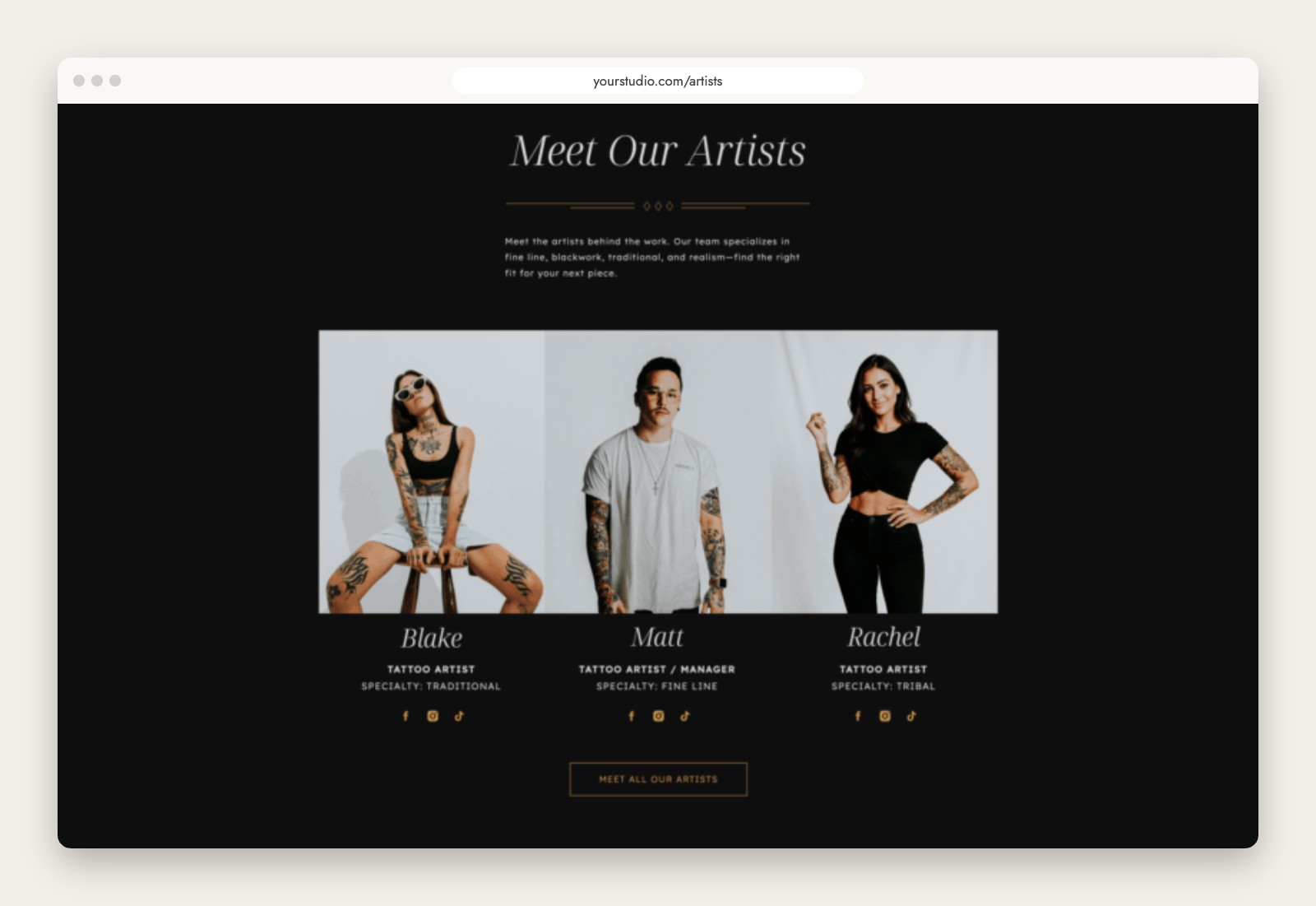
The artist section gives each person a portrait, a role, their specialty (traditional, fine line, tribal and so on) and links to their social profiles. It leads to a full Artists page, and there is a bonus single artist page for studios that want to give each artist their own space or for solo artists who work out of a private studio.
Show your work by style
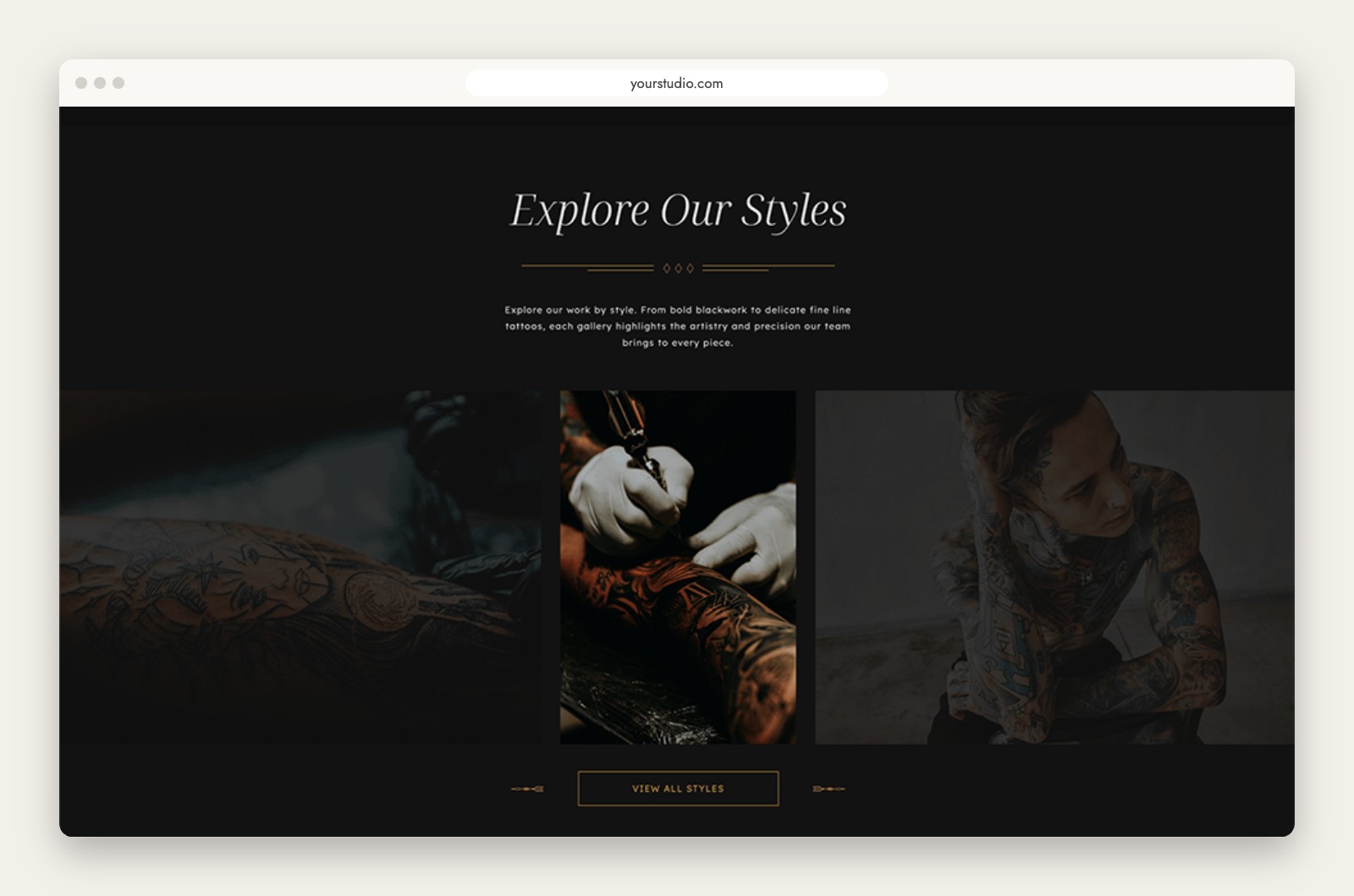
Instead of one long wall of photos, Ares is set up to group your work by style. Someone who wants blackwork can go straight to blackwork, and someone looking for delicate fine line work can find that just as easily. It also helps with search, since a styles section gives you a natural place to use the words people actually type into Google.
Reviews and a contact form that gets good inquiries
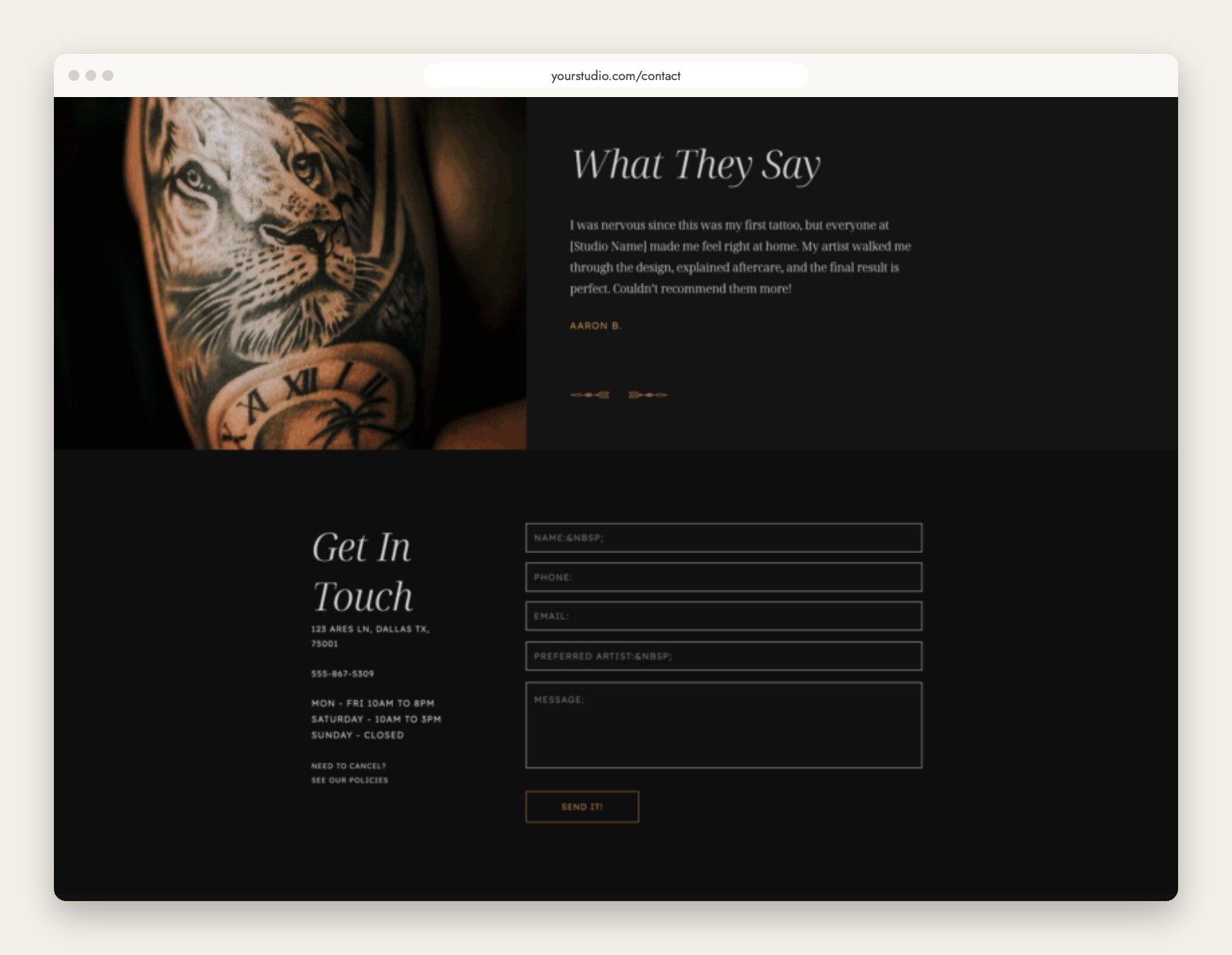
A testimonial section sits right on the home page, because a few kind words from past clients go a long way for someone nervous about their first tattoo. The contact page includes your hours, address and a form with a preferred artist field, so inquiries arrive with the details you need.
Everything included with Ares
Ares comes with the pages a tattoo studio actually uses:
- Home and an alternate home page
- Artists, plus a bonus single artist page
- Experience
- Gallery
- WordPress blog
- Contact and a thank you page
- Careers and Policies
- Links page for your Instagram bio
- 404 and coming soon pages
- Matching design icons
Like every La Lune template, it is fully drag and drop, looks great on every screen, includes copy prompts to help you write your pages, and is set up with search engines in mind. No coding needed. You can see all of it in the live Ares demo.
A few ways to help your tattoo website get found
- Use your city and your styles. A page title like “Fine Line Tattoo Artist in Nashville” tells Google and visitors exactly what you do and where.
- Write real image descriptions. Add alt text that describes the piece and style, and resize your photos before uploading so pages load quickly. Our guide to image sizes for WordPress and Showit walks through it.
- Blog about aftercare and what to expect. Those are the questions your future clients are already searching for, and Ares includes a blog design to publish them.
- Keep your policies page clear. It saves you time and filters out unclear inquiries before they start.
Ready to use Ares?
Ares is $400 and ships ready to customize in Showit, with a free month of Showit available to get you started. You can check out the details on the Ares template page or browse the live demo first.
And once your site is live, remember that the blog side of a Showit site runs on WordPress and needs a little care now and then. If you would rather not think about it, Watchlight handles updates, backups and security for you.